How Accurate Are Step Counters?
Wrist trackers overcount. Phones undercount. A simple clip-on pedometer beats both. Here’s roughly how far off each one is, and why it matters less than you think.

You walked the same route as a friend and their watch said 9,400 while yours said 11,200. One of you is wrong, and possibly both. Here is roughly how far off each type of device is, and why it matters less than the gap suggests.
The short answer
It depends on where the device sits, and the errors run in opposite directions:
| Device | Typical error | Direction |
|---|---|---|
| Clip-on pedometer at the hip | Under 5% | The most accurate of the three, and the least fashionable. |
| Wrist tracker or smartwatch | Up to around 15% | Usually overcounts. |
| Phone in a pocket | Up to around 20% | Usually undercounts. |
Approximate figures from published comparisons against observed step counts. Individual devices vary considerably.
So a watch and a phone disagreeing by a couple of thousand steps is not a malfunction. It is two devices with opposite biases measuring the same walk.
Why your watch overcounts
A step counter is an accelerometer plus a pattern-matcher. It watches for the rhythmic bounce that walking produces and counts the peaks. On your wrist, that means it is really counting arm swings and inferring steps from them.
Which is fine when you are walking normally, and less fine the rest of the time. Things that can register as steps:
- Brushing your teeth, chopping vegetables, drumming your fingers.
- Clapping, or an animated conversation.
- A bumpy car or bus journey.
- Anything rhythmic done sitting still.
Why your phone undercounts
The opposite problem: your phone is an accurate counter that is frequently not with you. Every trip across the office, round the supermarket or out to the bins without it in your pocket is a walk that never happened.
Placement matters too. A phone in a bag records the bag’s movement, not your hip’s, and generally counts fewer steps than one in a trouser pocket.
Your watch counts things that are not steps. Your phone misses steps you actually took. The pedometer clipped to your waistband in 2009 was better than both.
Where every device struggles
| Situation | What happens | Why |
|---|---|---|
| Stairs | Errors climb sharply — commonly into the tens of percent | The motion pattern differs from level walking and the cadence is irregular. |
| Slow walking | Undercounts | The acceleration peaks are too soft to clear the detection threshold. |
| Pushing a trolley or pram | Undercounts badly | Your arms are still. On a wrist device there is almost nothing to detect. |
| Carrying something heavy | Undercounts | Same reason — one or both arms are out of action. |
| Treadmill | Variable | Fine for the count, unreliable for distance without calibration. |
| Uneven ground | Overcounts | Extra jolts read as extra steps. |
Slow walking is the one worth flagging, because it disproportionately affects the people for whom step counts matter most — older adults and anyone recovering from illness or injury may be undercounted precisely when accurate feedback would help.
Does the inaccuracy matter?
Less than the numbers suggest, for one reason: your device is wrong in the same direction every day. If your watch overcounts by roughly 10%, it overcounts by roughly 10% on Monday and on Friday. The comparison between your days survives even though the absolute figure does not.
That makes a step count genuinely useful for the thing people mostly use it for — noticing that this week was quieter than last — and useless for the things it gets used for by mistake:
- Comparing with other people. Different device, different bias, meaningless comparison. Step challenges between colleagues are largely a contest between accelerometers.
- Hitting an exact threshold. If 10,000 is your target and your watch overcounts by 10%, you are celebrating at 9,000.
- Feeding a calorie estimate. Step error compounds into an already unreliable calorie figure.
How to get a better count
- 1Pick one device and stay with it. Consistency beats accuracy for every practical purpose.
- 2Wear it snugly, above the wrist bone. A loose band swings independently of your arm and adds phantom steps.
- 3Wear it on your non-dominant wrist if you can — less gesturing, less noise.
- 4Do not compare with other people. Compare with yourself last month.
- 5Sanity-check it once. Count 100 steps out loud and see what the device reports. Two minutes, and you will know your own bias.
That last one is the only way to know your device’s actual error rather than an average from a study. Most people are surprised in one direction or the other.
How we handle it
Every wrist device counts steps the same way — an accelerometer and a pattern-matcher — and not one of them is uniquely accurate, whatever the box claims. The sensor is where this whole industry is level. What happens to the count afterwards is where it stops being level.
What is different is what happens next. Your count is never sold, stored under a random ID rather than your name, and erasable in one tap. It is the same position we take on sleep scores, HRV and calories: every one of them is an estimate, the trend is the useful part, and the readings stay yours.
Since every device counts about as well as the next, the question worth asking is what each company does with the count — covered in the privacy comparison.
So: your watch is probably flattering you by about 10%, your phone is probably short-changing you by about 20%, and the difference between them says nothing about how much you walked. Pick one, wear it consistently, and read the trend.
Frequently asked questions
- How accurate are step counters?
- It depends where the device sits. A clip-on pedometer at the hip is typically within 5%. A wrist tracker is usually within about 15% and tends to overcount, because it detects arm movement rather than steps. A phone is usually within about 20% and tends to undercount, because it is often not on you.
- Why does my watch count more steps than my phone?
- Because their errors run in opposite directions. Your watch registers arm movement that is not walking — brushing your teeth, chopping vegetables, a bumpy car ride — while your phone misses every walk you took without it in your pocket. A gap of a couple of thousand steps between the two is normal, not a fault.
- Why is my step count wrong on stairs?
- The motion pattern on stairs differs from level walking and the cadence is less regular, so the detection algorithm misses peaks or double-counts them. Errors on stairs are commonly much larger than on flat ground for both phones and wrist devices.
- Do step counters miss slow walking?
- Yes — slow walking produces acceleration peaks too soft to clear the detection threshold, so devices undercount. This matters most for older adults and anyone recovering from illness or injury, who may be undercounted precisely when accurate feedback would be most useful.
- Does step counter accuracy actually matter?
- Less than you would think. Your device is wrong in roughly the same direction every day, so comparing your own days still works even though the absolute number is off. It does matter if you compare with other people, chase an exact target like 10,000, or use steps to estimate calories burned.
- How can I check my step counter’s accuracy?
- Count 100 steps out loud while wearing it, then check what it reported. It takes two minutes and tells you your own device’s bias, which is more useful than any published average. Also wear the band snugly above the wrist bone — a loose strap swings independently and adds phantom steps.
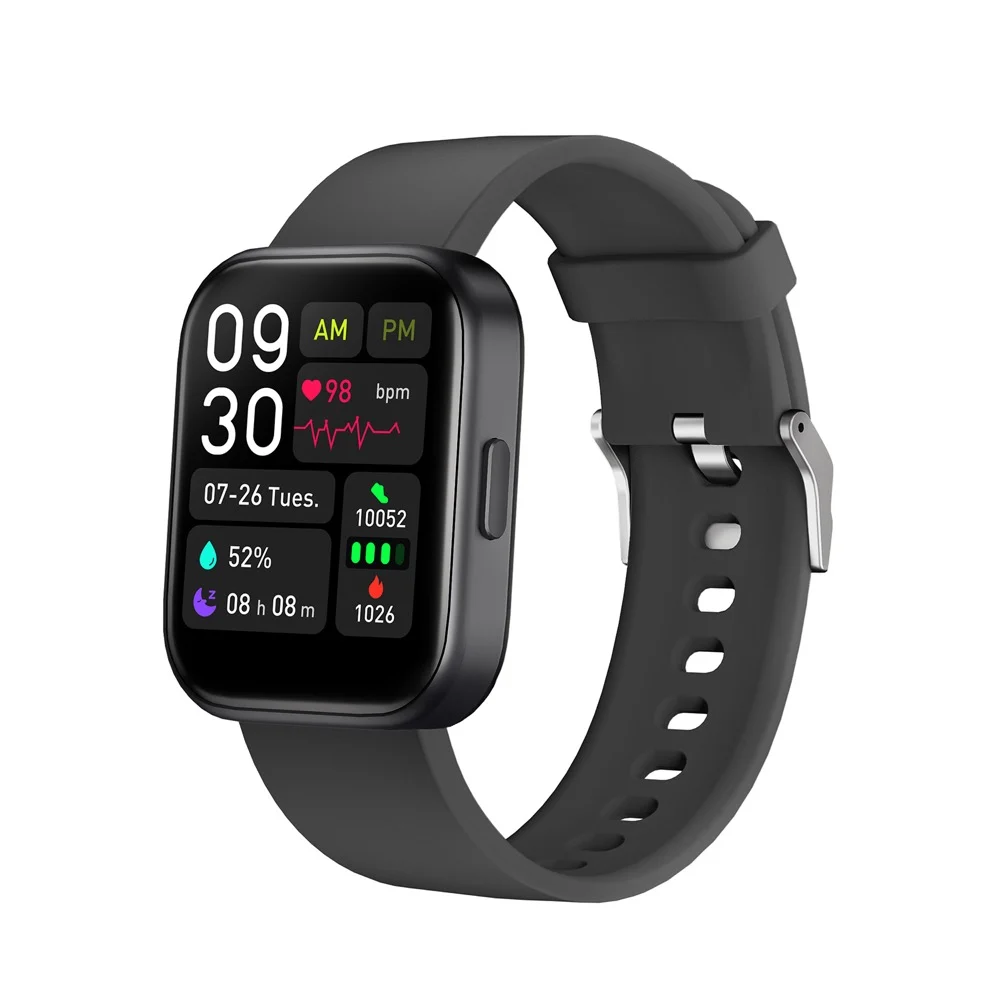
A step count that is never sold
The Tribe Watch counts your day and never sells it — $119.99 once, no subscription, and one tap erases everything.
- Never sold, and no ad or analytics trackers in the app
- Locked to your account, saved under a random ID
- Erase everything with one tap, whenever you want
- No subscription for any tracking feature
Private by design. Yours by default.